AI Search
Use natural language to search for candidates. Our AI understands context, skills, and experience to find the best matches.
Overview
AI Search is the core feature of WallJobs AI. Unlike traditional keyword-based search, our AI understands the context and intent behind your queries. Simply describe what you're looking for in natural language, and our system will find candidates that truly match your needs.
The search engine uses semantic understanding to:
- Understand job titles and their equivalents (e.g., "developer" = "engineer" = "programmer")
- Recognize skill relationships (e.g., React implies JavaScript knowledge)
- Interpret experience levels and seniority requirements
- Consider location preferences and remote work options
- Match soft requirements like "fast-paced environment" or "team player"
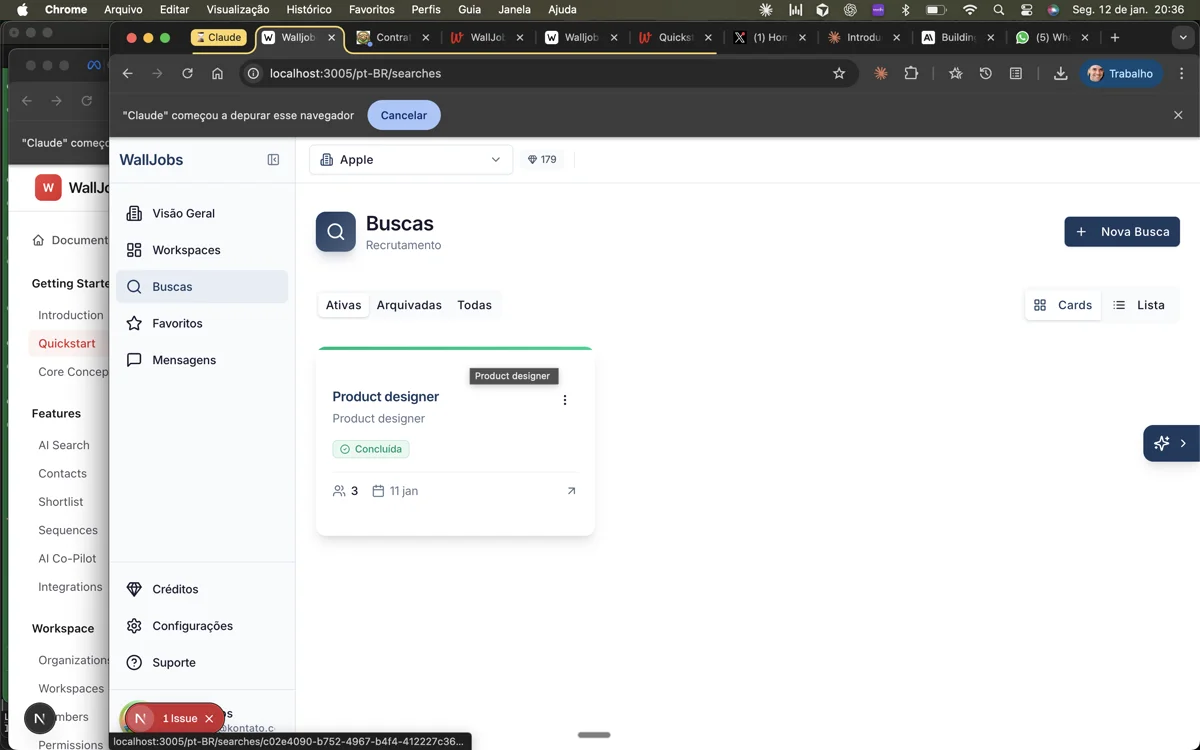
Natural Language Search
The best way to use AI Search is to describe your ideal candidate as if you were explaining the role to a colleague. Include all relevant requirements, preferences, and nice-to-haves.
Search Examples
Here are some effective search queries:
# Basic role search"Senior software engineer with Python experience"# Detailed requirements"Full-stack developer with 5+ years experience in React and Node.js,preferably with AWS knowledge, based in São Paulo or remote"# Soft skills and culture fit"Product manager who has worked in startups, comfortable withambiguity, and has experience launching B2B SaaS products"# Industry-specific search"Sales director with healthcare or pharma background,experience managing teams of 10+, MBA preferred"
Filters and Operators
While natural language is the primary way to search, you can also use filters to narrow down results:
| Filter | Description | Example |
|---|---|---|
location: | Filter by location | location:"São Paulo" |
skills: | Required skills | skills:React,TypeScript |
experience: | Years of experience | experience:5+ |
company: | Current/past company | company:Google |
education: | Education level | education:"Computer Science" |
remote: | Remote work preference | remote:true |
Combine natural language with filters for precise results:
Senior React developer location:"São Paulo" experience:5+ remote:true
Search Results
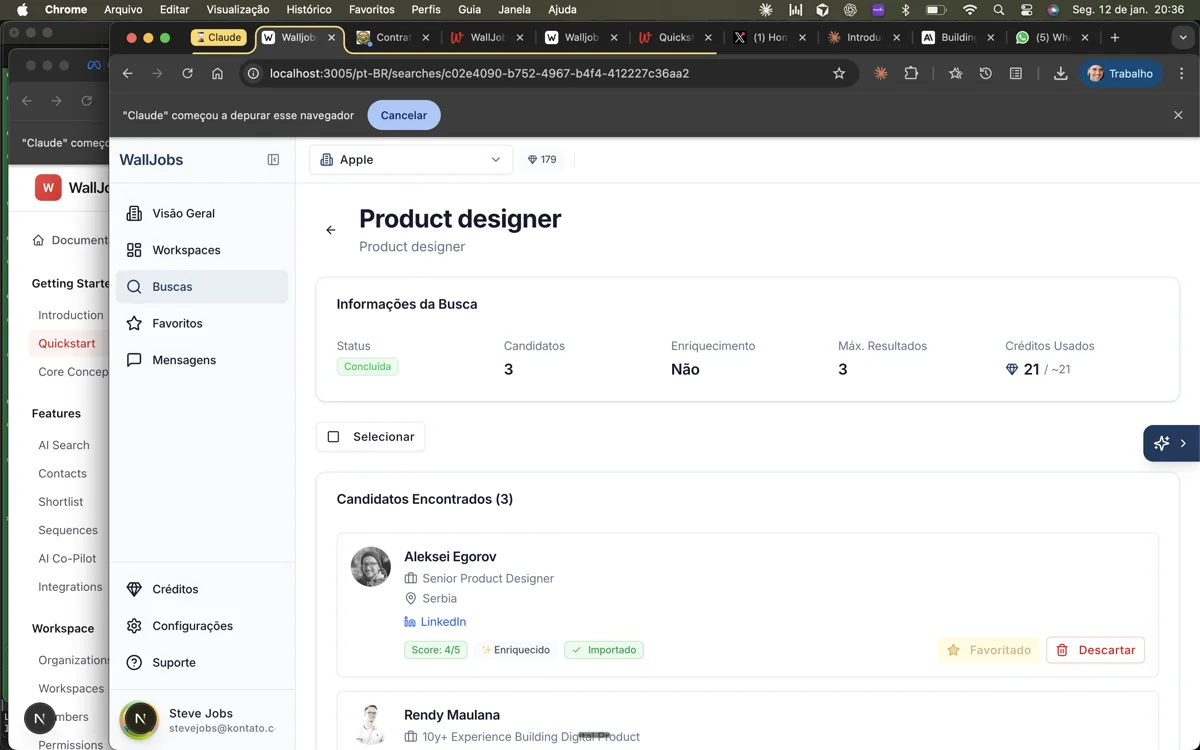
Search results are ranked by relevance using our AI scoring algorithm. Each result includes:
- Match Score (0-100%) - How closely the candidate matches your requirements. Scores above 80% indicate strong matches.
- Highlighted Skills - Skills that match your search criteria are highlighted.
- Quick Summary - AI-generated summary of why this candidate was matched.
- Profile Preview - Key information at a glance without opening the full profile.
Saved Searches
Save frequently used searches to run them again later without retyping. Saved searches are useful for:
- Recurring roles - Positions you hire for regularly
- Talent pipelines - Ongoing sourcing for future needs
- Team templates - Standardized searches shared across your team
To save a search:
- Run your search query
- Click the Save Search button in the results header
- Give your search a descriptive name
- Optionally set up email alerts for new matches
Access saved searches from the sidebar or the search dropdown menu.
Advanced Tips
Get better results with these advanced techniques:
- Use negative keywords - Exclude certain criteria with "NOT". Example: "Developer NOT junior NOT intern"
- Specify must-haves vs nice-to-haves - Use "must have" or "required" for essential criteria and "preferably" or "nice to have" for optional ones.
- Include context - Mention the industry, company stage, or team context. "Developer for early-stage fintech" yields different results than "Developer for enterprise bank".
- Iterate and refine - Start broad and narrow down based on results. The AI learns from your interactions within the session.